To print a template:
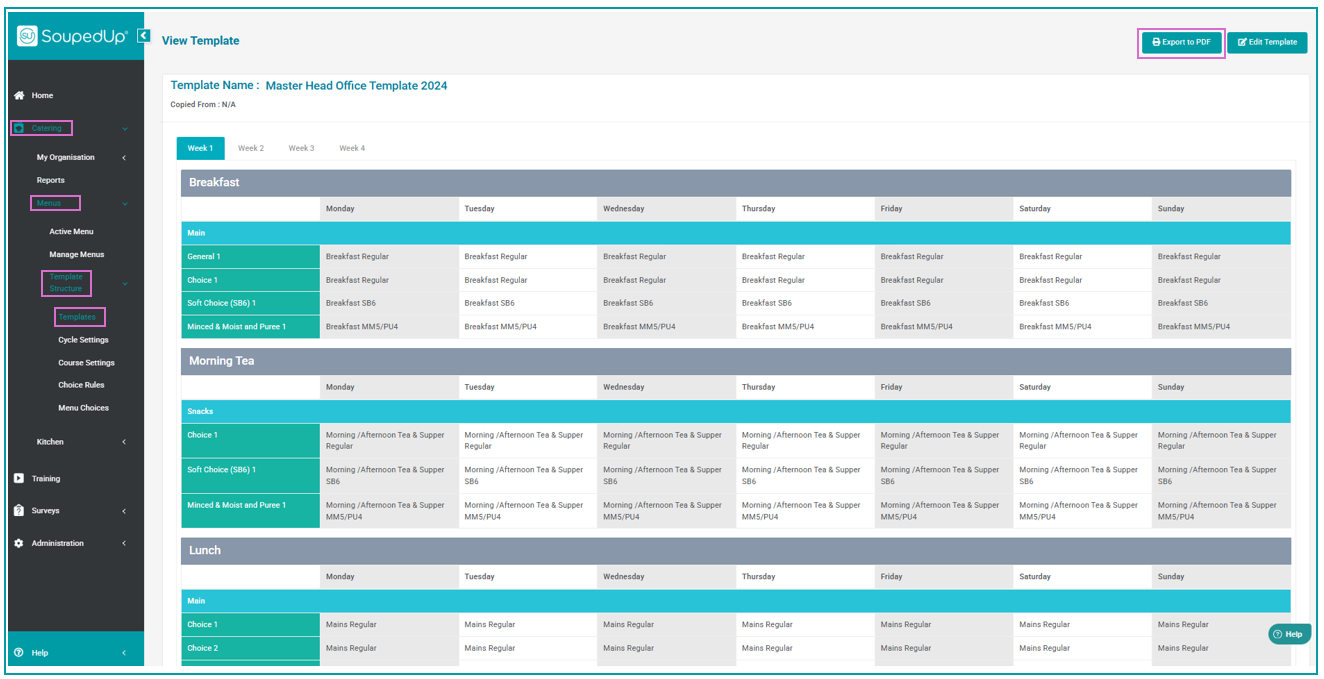
- Select Catering from the side navigation panel.
- Click on Menus.
- Select Template Structure and then Templates.
- Locate the menu template you wish to print.
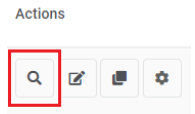
- Click on the magnifying glass icon in the Actions column to view the template.
- On the View Template screen click the Export to PDF button on the top right of the screen.
Was this article helpful?
That’s Great!
Thank you for your feedback
Sorry! We couldn't be helpful
Thank you for your feedback
Feedback sent
We appreciate your effort and will try to fix the article