Who should use this article?
Food Safety Program users, including Food Safety Supervisors, Kitchen Staff, Food Service Staff and Site Administrators.
Overview
The Food Safety Program can be accessed from the main SoupedUp navigation menu.
Once accessed, users can complete Food Safety activities based on their assigned permissions, including completing tasks, recording food safety activities, reviewing documentation and managing site-specific configuration settings.
Accessing the Food Safety Program
Step 1
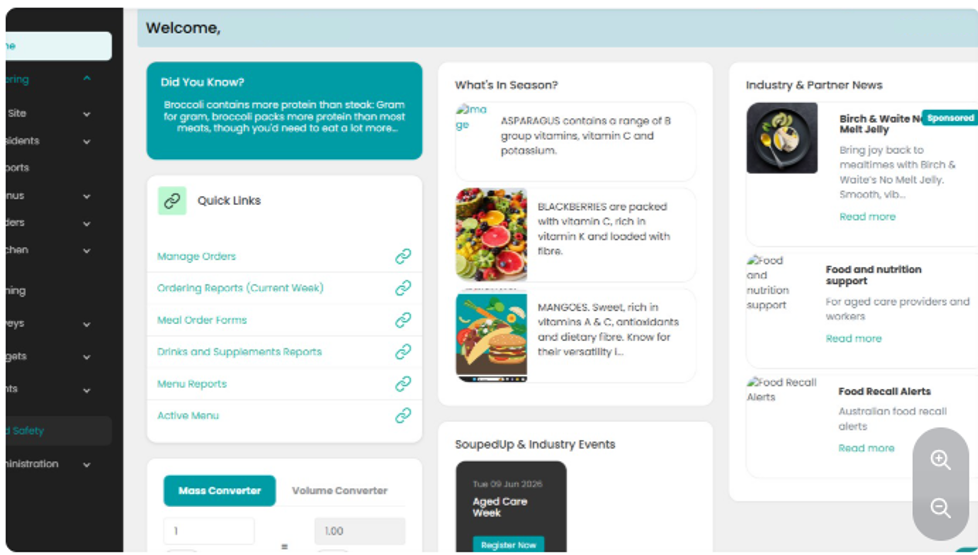
Log into your SoupedUp account.
Step 2
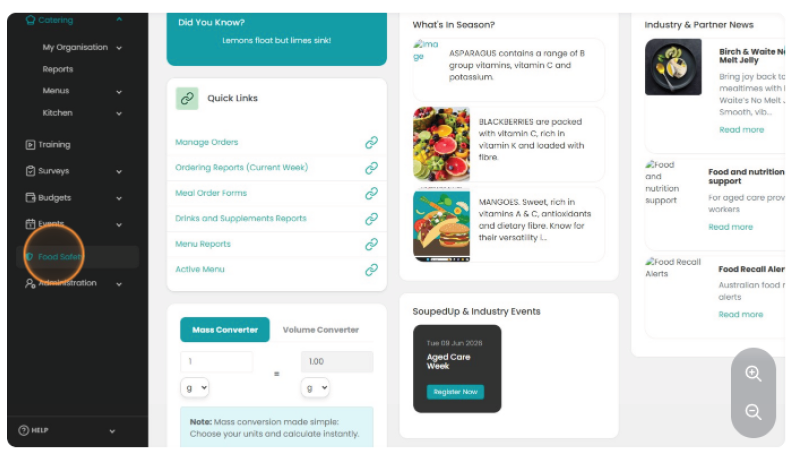
From the left-hand navigation menu, select Food Safety.
Step 3
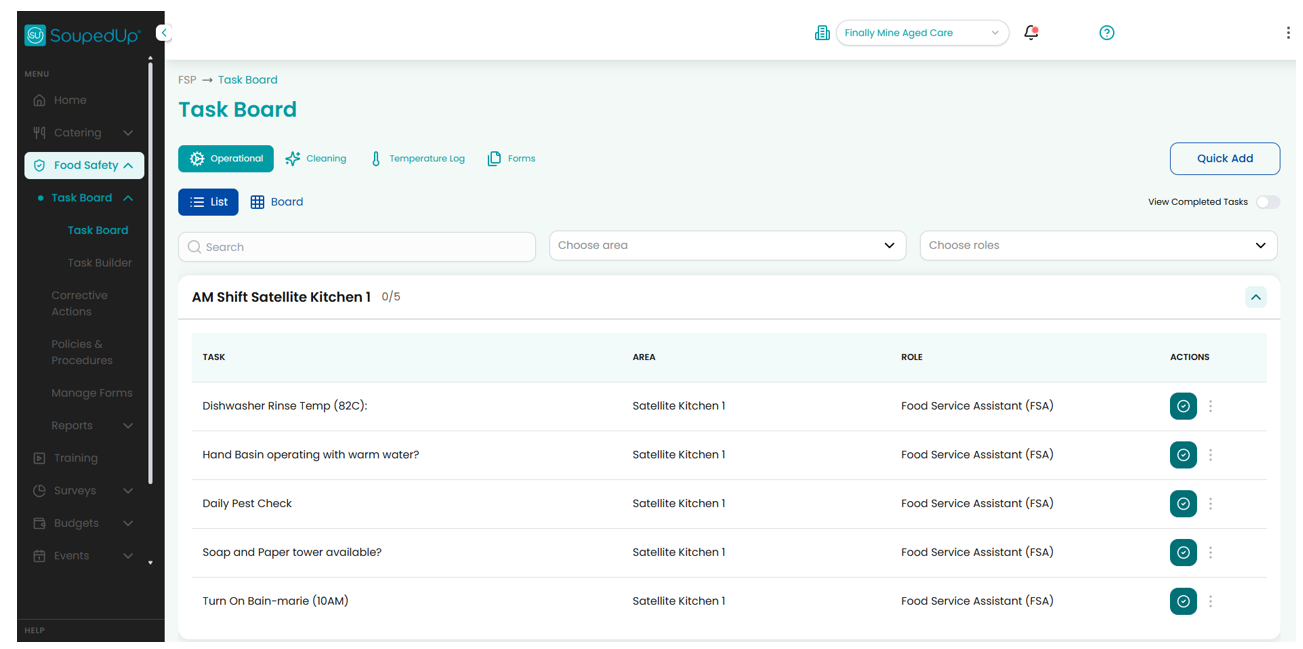
The Food Safety Task Board will open.
Result
You have successfully accessed the Food Safety Program.
Depending on your assigned permissions, you will be able to access:
- Task Board
- Forms
- Policies & Procedures
Need More Help?
If you cannot see the Food Safety option in the navigation menu, contact your Site Administrator or SoupedUp Support.
Related Articles
- Understanding the Food Safety Dashboard
- Understanding Roles & Permissions
- Complete a Task
- Create an Area
Was this article helpful?
That’s Great!
Thank you for your feedback
Sorry! We couldn't be helpful
Thank you for your feedback
Feedback sent
We appreciate your effort and will try to fix the article